
Does Shopify Provide a Mobile App?
Shopify gives merchants an admin app to run their store, but not a branded app for customers. Here's the difference and why it matters.
By DzineYourApp Team6 min read
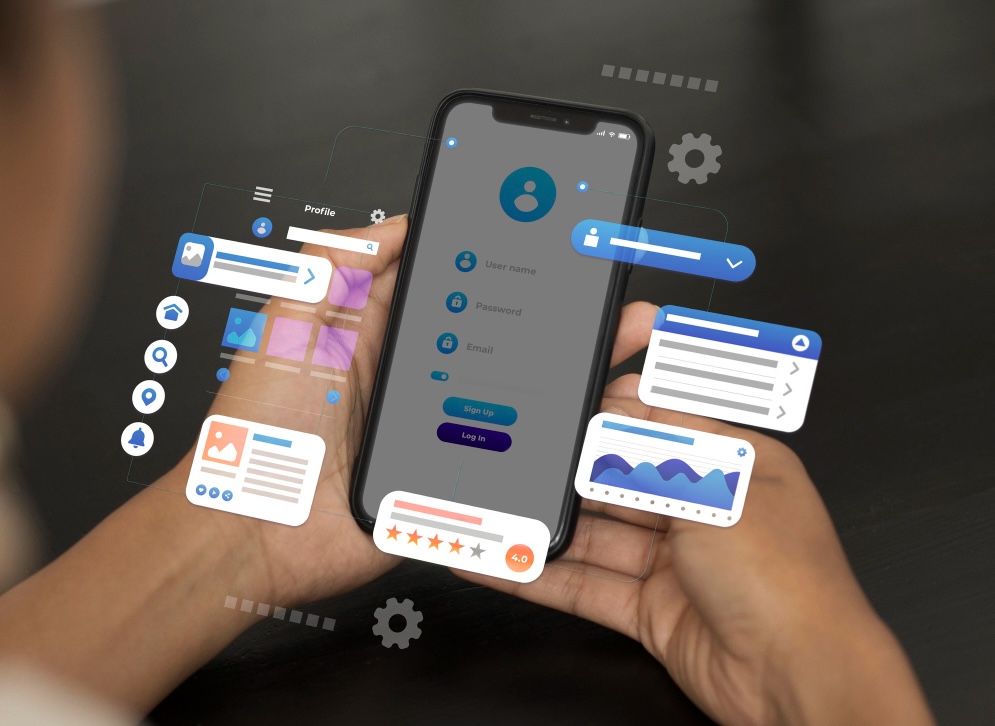
Yes and no, and the difference costs merchants real money when they get it wrong.
Shopify provides a mobile app for you, the merchant. It does not provide a mobile app for your customers. Those are two entirely different products solving two entirely different problems, and because both get called "the Shopify app," a lot of store owners spend months assuming they already have something they don't.
Here is the distinction, plainly.
What Shopify does give you: the admin app
Shopify publishes the Shopify mobile app on the App Store and Google Play, free with your subscription. It is a management tool. You use it to check today's revenue, fulfil orders, adjust inventory, respond to customers and see analytics — the same things you would do in the Shopify admin on a desktop, on a phone instead.
This is what people find when they search for a Shopify mobile dashboard. It is genuinely useful, it is free, and if your question was "can I run my store from my phone?" the answer is yes.
There is also Shopify POS, a separate app for taking payments in person. Also for you, not for your customers.
What Shopify does not give you: a branded customer app
Shopify does not provide a native, branded, customer-facing app for your store. If you want customers to install your store as an app — your name, your logo, your products, an icon on their home screen — Shopify does not build that, and no Shopify plan includes it.
That is a deliberate product decision, not an oversight. Shopify gives you a mobile-responsive online store, which works in a phone browser. A native app is a different channel with different economics, and Shopify leaves it to third-party builders and agencies.
So when a merchant says "I want a Shopify mobile app," they usually mean one of two very different things:
- I want to manage my store from my phone. Download the free Shopify app. You are done, and this article is not for you.
- I want my customers to have an app for my store. You need to build that, and it does not come with Shopify.
Why the distinction matters commercially
A mobile-responsive store and a native app are not the same channel, and the gap between them is not cosmetic.
Push notifications. This is the big one. A browser cannot reliably reach a customer who is not currently on your site. An installed app can send a notification that arrives on the lock screen. Abandoned-cart recovery, back-in-stock alerts and launch announcements all depend on that capability, and it is the single clearest reason app revenue per customer tends to exceed mobile web.
Persistence. A mobile browser session is fragile. A closed tab, a cleared cookie or a switched device and the basket is gone. An app keeps the basket and the login, which matters most in categories where people buy across several sessions — clothing, electronics, anything high-consideration.
Presence. An app icon sits on the home screen. A bookmark does not, practically speaking. For repeat-purchase categories, being one tap away rather than one search away changes reorder rates.
Speed. Native navigation and cached assets beat a mobile browser on a poor connection, and in commerce, latency and conversion move together.
When you actually need one
Being honest about this: a native app is not right for every store. The deciding factor is your repeat purchase rate, not your revenue.
An app earns its keep by bringing existing customers back. If most of your orders come from first-time buyers arriving via paid ads, an app will not help much — those people will not install anything before their first purchase, and you would be paying for a channel with nobody in it.
If a meaningful share of your customers buy more than once — consumables, apparel, coffee, supplements, anything with a natural reorder cycle — then an app has something to work with. That is where push notifications and one-tap reorder produce measurable return.
What building one actually involves
You have three routes, and they differ by an order of magnitude in cost.
A no-code app builder. You connect your Shopify store, arrange screens in a visual editor, and publish to both app stores. Your catalogue, customers and orders stay in Shopify — the app renders them, so there is no data migration and no second source of truth. Entry pricing across the main builders runs from $99 to $1,499 a month; we have compared them all in our builder comparison.
A development agency. A custom build gives you complete control and typically costs five figures upfront plus ongoing maintenance, since someone has to keep pace with iOS and Android releases. Worth it when you need functionality no builder supports.
Shopify's Mobile Buy SDK. Shopify does publish SDKs that let developers build a custom commerce app against your store data. This is a toolkit for engineers, not a product — you still need to design, build, ship and maintain the app. If you searched for the mobile buy SDK expecting a finished app, this is the thing to understand.
Whichever route you take, two costs are unavoidable and go to Apple and Google rather than to any builder: an Apple Developer Program account is $99 a year, and Google Play charges a one-off $25 registration fee.
The short version
Shopify provides an app for running your store. It does not provide an app for your customers to shop in. If you want the second one, you build it — and it is worth building only if enough of your customers come back.
If you are weighing it up, compare what the builders cost or read the full guide to Shopify mobile app builders. If you would rather see your own store as an app before deciding, book a walkthrough and we will show you.