
Shopify Push Notifications: The Setup That Brings Customers Back on Autopilot
A practical guide to Shopify abandoned cart push notification setup and the automations that recover sales and bring mobile customers back.
By DzineYourApp Team5 min read
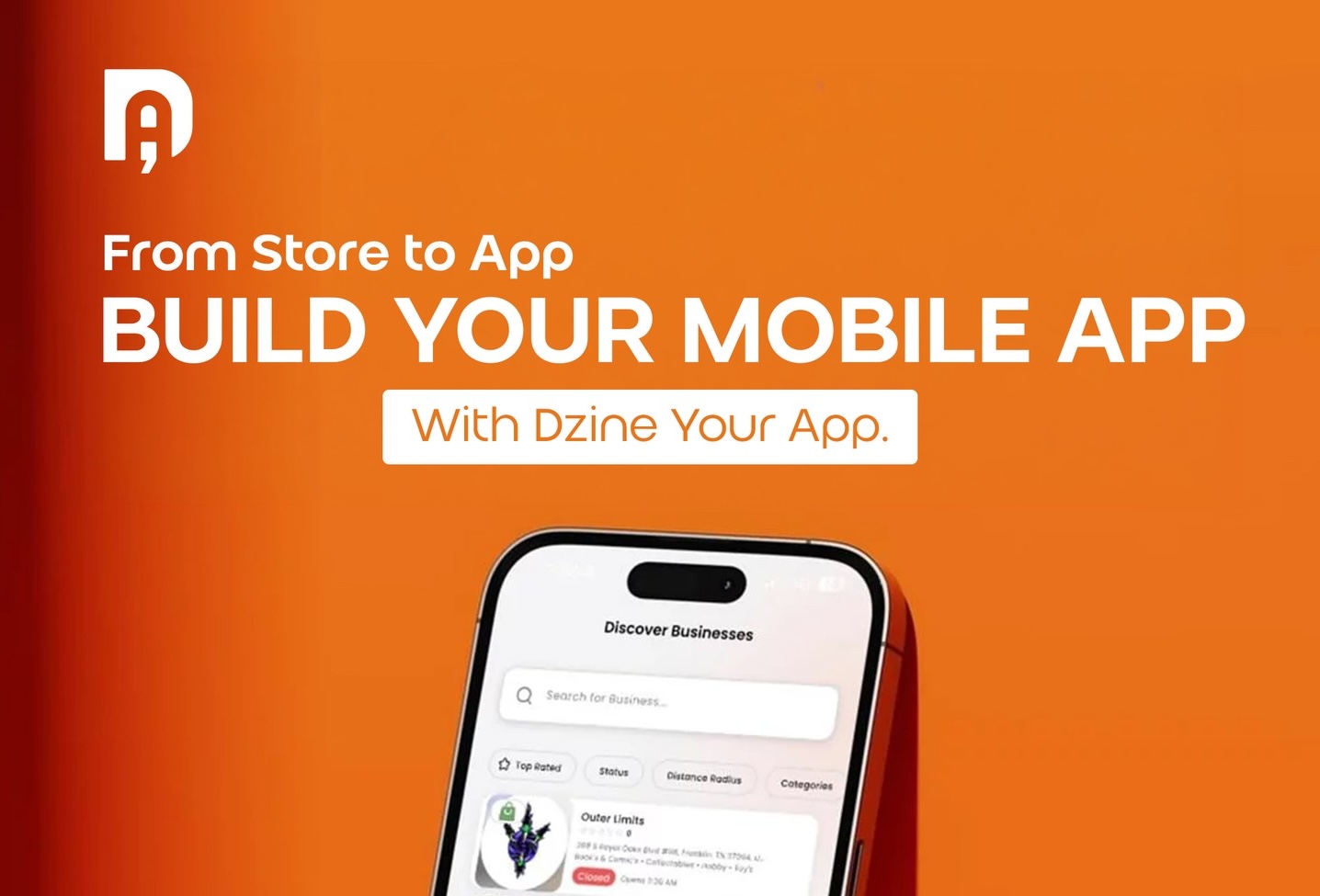
Email open rates sit in the high teens to low twenties for most stores. A push notification to someone who installed your app lands on their lock screen, where they actually see it. That gap is the whole reason mobile apps beat mobile web on repeat revenue, and a Shopify abandoned cart push notification is usually the first automation that pays for itself.
This is a setup guide, not a theory piece. By the end you'll know which automations to turn on, in what order, and how to send them without becoming the brand people mute.
Push works because it reaches people who already raised their hand by installing you.
Why push beats email for recovery
Email isn't dead, but it's crowded. Your message competes with a few hundred others, and the good slots cost you deliverability and discounts. Push is different. It's a short, timely tap on the shoulder for someone who chose to put your icon on their home screen.
For cart recovery specifically, timing is everything, and push is fast. A nudge fifteen minutes after someone abandons a cart catches them while the intent is still warm. The same message as an email three hours later often arrives after the moment has passed.
The four automations worth setting up first
You don't need twenty campaigns. You need a handful that run on their own and recover real revenue. Set these up in order.
1. Abandoned cart
This is the one that earns its keep. A shopper adds an item, gets distracted, and leaves. A well-timed push brings them back to the exact cart they left.
Keep it simple: one notification fifteen to thirty minutes after abandonment, and an optional second one the next day if they still haven't bought. Lead with the product, not a generic "you left something behind." Name the item. People respond to specifics.
2. Back-in-stock
Demand you already know about. When a sold-out product returns, the people who wanted it are the easiest sale you'll make that week. Let shoppers opt in on the product page, then fire a push the moment inventory is back.
3. Browse recovery
A softer cousin of cart recovery. Someone viewed a product a few times and didn't add it. A gentle nudge, maybe paired with social proof or a restock note, can tip them over. Use this sparingly so it doesn't feel like surveillance.
4. Segmented launches and drops
When you have a real event, a launch, a restock, a sale, send it to a segment that cares, not your whole list. VIPs and recent buyers convert far better than dormant installs, and targeting protects your opt-in rate.
How to set them up in Dzine Your App
If your app is built on Dzine Your App, these automations are available from the start, not gated behind a higher tier. The setup is the same idea for each one:
- Pick the trigger (cart abandoned, item restocked, product viewed).
- Choose the audience or segment.
- Write the message, naming the specific product where you can.
- Set the timing and frequency cap.
- Turn it on and watch the first week's numbers.
Abandoned cart and segmented push are part of the toolkit on every plan, which is why one of our brands said push alone covered their whole subscription in month one. You can see the full feature set on the features page, and the plans on the pricing page.
The rules that keep people opted in
Push is powerful, which means it's easy to overuse. A few rules keep you on the right side of the line:
- Cap frequency. A few well-chosen messages a week, not a few a day. Over-sending is the fastest way to get muted or uninstalled.
- Segment. Don't send every message to everyone. Relevance is what keeps notifications welcome.
- Be specific. "Your size in the linen dress is back" beats "new arrivals are here." Specifics earn taps.
- Respect quiet hours. A 2 a.m. push is a uninstall waiting to happen. Send when your customers are awake.
- Give a reason to keep notifications on. Early access, restock alerts, and order updates are worth a lock-screen slot. Pure promos aren't.
How to read the results
Watch three things in the first month. First, recovery rate on abandoned cart, the share of nudged carts that convert. Second, opt-out rate, your early-warning signal that you're sending too much. Third, revenue per send, which tells you whether a campaign is worth keeping.
If opt-outs climb, cut frequency before you cut campaigns. The asset you're protecting is the permission to reach someone's lock screen at all.
Start with one automation today
You don't have to build all four at once. Turn on abandoned cart first, because it recovers sales you're already losing, then layer in back-in-stock and the rest as you go.
If your store isn't a native app yet, that's the prerequisite, push lives in the installed app, not the mobile site. Start designing your Shopify app free, no card required, and turn on cart recovery in your first week. Want a hand setting it up? Book a quick walkthrough and we'll map your first campaigns with you.